%20(2)_cropped_processed_by_imagy.png)
Polinode has always been an incredibly flexible tool designed for powerful network analysis. This has included the ability to upload your own network data. We know that many of our users appreciate the integrated relationship-based surveys functionality and the integrated passive data collection options but we also know that it will never be possible to cater to all types of data and uses cases with these tools and this is why we have allowed users to upload their own network data for a long time.
Until today the way that this generally worked was that a user would upload an Excel file that contained data on nodes and edges with attributes for those nodes and edges. Then, if they wanted to update that data later, they would export the data from Polinode, edit the Excel file and re-upload it. It works! But it can be painful to repeat this process every time the underlying data changes for use cases where the data changes frequently.
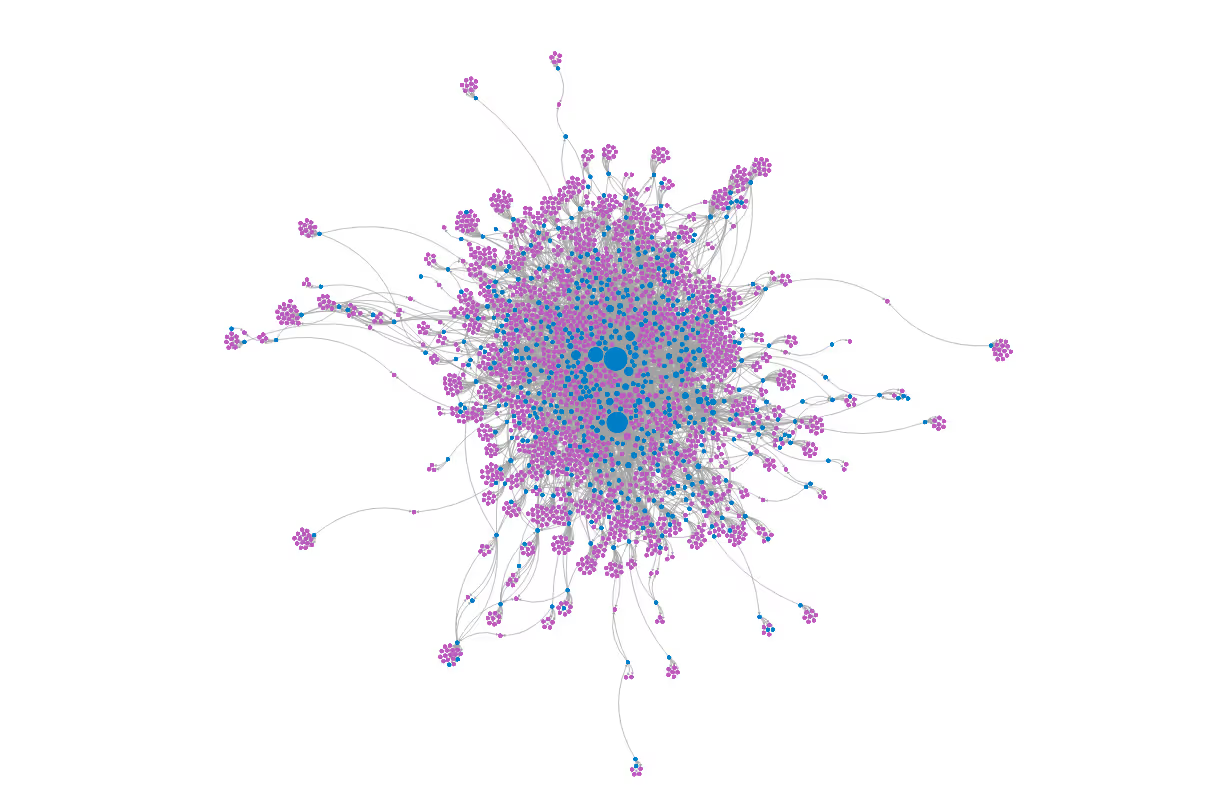
Today, we are excited to announce a new Google Sheets integration that eliminates that friction entirely! You can now connect a Google Sheet directly to Polinode and create a live network, one that updates automatically whenever your spreadsheet changes.
How it Works
The integration is straightforward. Connect your Google account to Polinode with a single click, paste the URL of your Google Sheet, and Polinode instantly creates a network from your data. If you choose to use the Google Sheets integration, there is no file to download, no format to convert, and no upload step.
The format of the Google Sheet that you connect is exactly the same as Polinode’s existing Excel file format. There should be two tabs: one for nodes (with a "Name" column) and one for edges (with "Source" and "Target" columns). You can include additional columns for attributes like color, size, type, or any custom properties relevant to your analysis. Then simply paste the URL of your spreadsheet, and Polinode validates the data immediately, surfacing clear and specific error messages if anything needs attention. Once validated, your network is created and remains connected to the sheet.
Most importantly, the connection is live. When either you or your team updates the spreadsheet, for example adding new rows, modifying attributes, or refining the data, your network in Polinode reflects those changes automatically.
Why This Matters for Polinode Users
Your Networks Stay Current
We have increasingly seen organizations come to Polinode with use cases that we wouldn’t have imagined when we first built the product over a decade ago. To give one example - mapping influence relationships in the context of sales or business development. Some teams have exported LinkedIn connections data and uploaded it to Polinode; others have added data from CRMs. This data changes and (unfortunately!) there is no LinkedIn API. It’s use cases like these - where the data changes relatively frequently - that will really benefit from the new Google Sheets integration. As, even with the rapidly changing data, the underlying network data in Polinode stays current.
Seamless Collaboration
Google Sheets is built for collaboration. Multiple team members can contribute to and maintain the data simultaneously — updating node attributes, adding new connections, or cleaning up records. Meanwhile, stakeholders and decision-makers can explore the live networks in Polinode without needing to know anything about the underlying spreadsheet(s).
Built with Security in Mind
We take data security seriously, and the integration has been designed with security in mind. Polinode requests read-only access to your spreadsheets. That is to say, Polinode does not have the ability to modify your data. Authentication uses the OAuth 2.0 industry standard, and all credentials are of course encrypted at rest and in transit. You can disconnect your Google account from Polinode at any time with a single click. Additionally, only the network owner's credentials are used to access the spreadsheet; anyone you share the network with views cached data without requiring them to grant access to their own Google account. Moreover, all of the existing Polinode user permissions and access logic applies to data connected via Google Sheets.
Get Started Today
The Google Sheets integration is available now for all Polinode users. If you already have an account, you can connect your first Google Sheet in under a minute. If you are new to Polinode, sign up for a free account and see how quickly you can go from spreadsheet data to actionable network insights.
For organizations looking to adopt network analysis, book a demo with our team. It would be our pleasure to walk you through this new functionality and discuss how Polinode can support your specific use cases.

Andrew Pitts

Andrew Pitts is the Founder and CEO of Polinode, a leading provider of organisational network analysis software and solutions for enterprises. Andrew founded Polinode in 2013 and it is now used by large enterprises and consulting partners around the world for a variety of applications including: identifying emerging and/or hidden talent; improving collaboration; finding influencers; succession planning; organisational design; and diversity and inclusion. Prior to founding Polinode, Andrew worked in the Investment Banking Division of Goldman Sachs in both Sydney and New York. He enjoys working at the intersection of technology and HR and is passionate about using technology to help optimise and improve modern organisations. Andrew is a full-stack developer with experience building scalable web applications and also has deep expertise in data analysis and machine learning.